What is CarBridge and How It Works?
CarBridge lets you run any iPhone app through Apple CarPlay. Learn what it is, which iOS versions it supports, and how to install it using WheelPal.
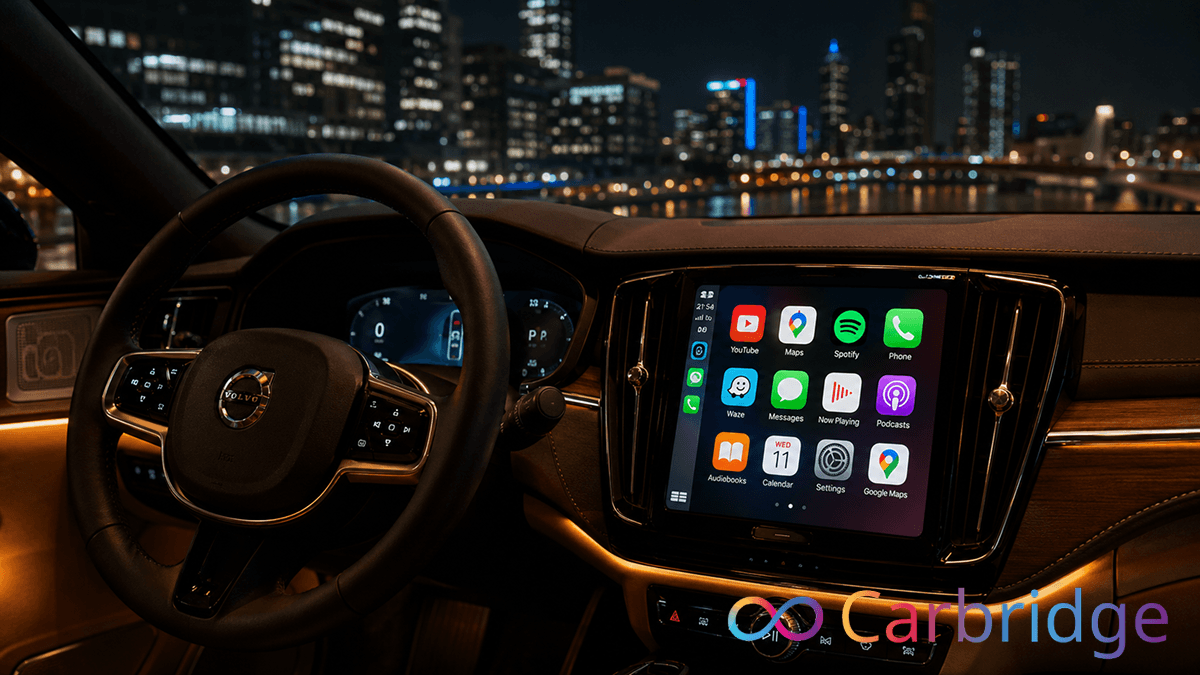
You have likely discovered a software solution that claims to unlock YouTube, Netflix, and other streaming services on your Apple CarPlay display. Before you download anything or modify your device, you want to understand exactly what the CarBridge app is and whether it works on your specific hardware. There is a significant amount of misinformation online about this tool, especially around jailbreak requirements and iOS version support.
With this article you can get more information about:
What Is CarBridge?
The CarBridge app is a jailbreak tweak developed by leftyfl1p. This app allows virtually any unsupported third-party application to run inside the Apple CarPlay interface. But need to jailbroken iPhone. Apple normally restricts CarPlay to a small, approved list of app categories. Primarily navigation, audio, and communication.
The CarBridge CarPlay modification bypasses those restrictions at the system level. Turning the car display into a fully interactive secondary screen for your iPhone.
If you intend to install CarBridge, you must be prepared to modify your device's operating system. For users who want to run apps like YouTube or Safari on their car screen without mounting their phone, this tweak is the most direct solution available for supported devices. To get started, visit the full installation guide at our dedicated install page.
How Does CarBridge Work?
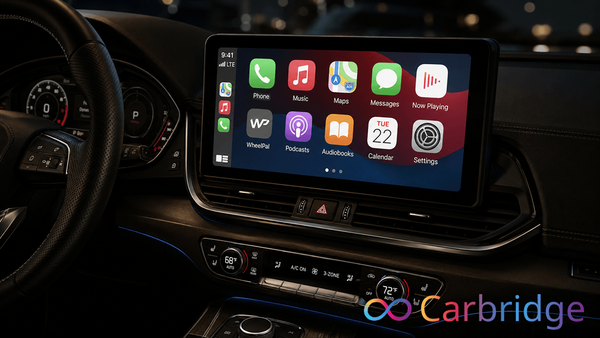
It functions by hooking into the CarPlay framework at the iOS system level. This modification tricks the CarPlay interface into rendering applications that are not on Apple's approved list. Instead of the car display showing a limited set of icons, it becomes a canvas for nearly any app installed on your iPhone.
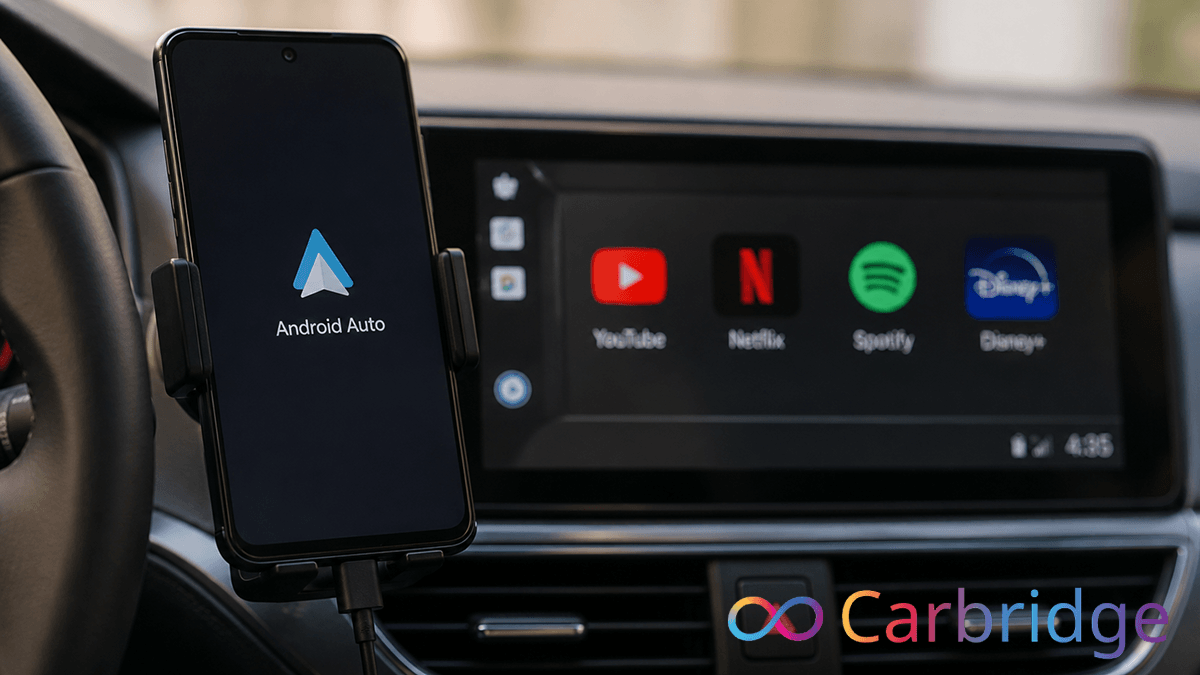
In practical use, apps like YouTube, Netflix, WhatsApp, and Safari appear on the car display as if they were native CarPlay apps. The software supports two modes of operation.
- Bridged mode — an app is optimized to fit the car screen, providing a native feel with correct aspect ratios and responsive touch. During our firsthand testing on an iPhone 12 Pro running iOS 16.1.1 using the Palera1n jailbreak tool, bridged apps maintained high responsiveness and proper layout on the head unit throughout extended use.
- Portal app — mirrors the entire iPhone screen to the car dash. Portal is particularly useful for vehicles without touchscreen capability, allowing users with joystick controls to still view and interact with their phone screen. During our testing with Palera1n, Portal mode was a reliable fallback for apps that did not adapt well to the car display dimensions. High-resolution video rendered cleanly and touch controls remained responsive across several hours of use.
A jailbreak is required because these system-level hooks need deep access to protected iOS files. Apple does not provide any API for third-party developers to modify the CarPlay framework. Without root access from a jailbreak, the tweak cannot apply the code changes needed.
How to Install CarBridge
To complete a CarBridge install, your iPhone must be jailbroken and running iOS 13.0 through 16.7.7. The recommended method uses WheelPal, which handles signing and configuration profiles automatically, reducing the risk of errors for first-time users.
Install via WheelPal
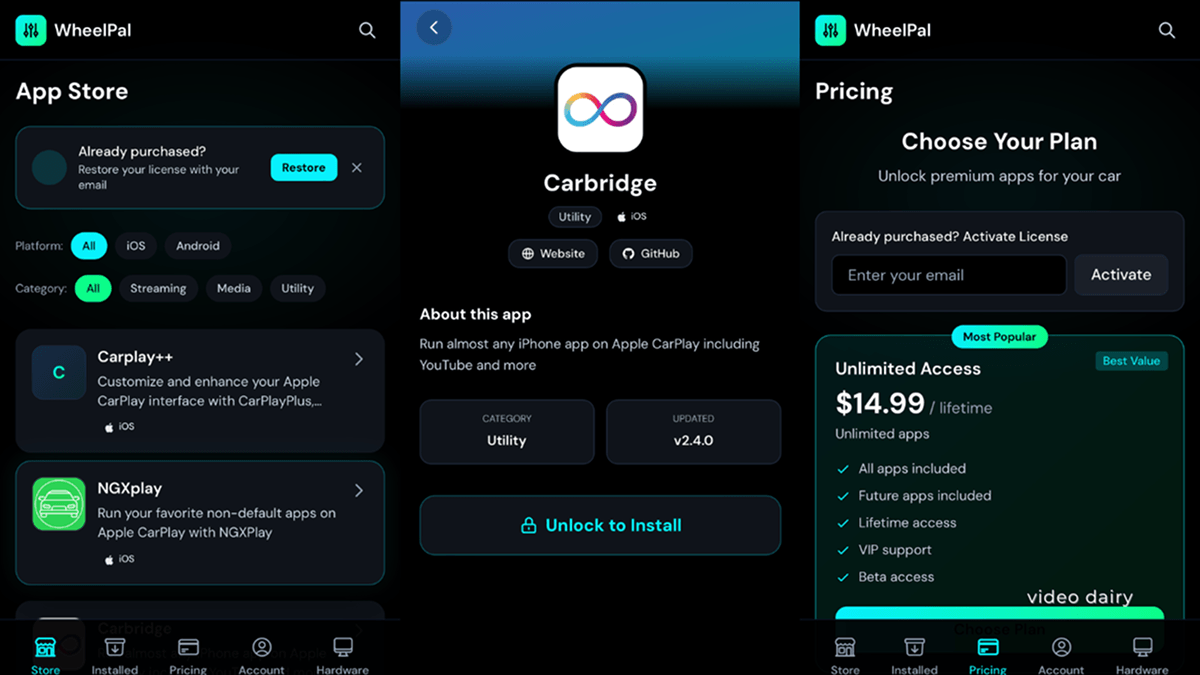
You can easily and conveniently install CarBridge via WheelPal. Follow the instructions below to install WheelPal.
Install Profile
Trust the Profile
Go to Settings > General > About > Certificate Trust Settings and enable trust for WheelPal.
Then install the CarBrige app via WheelPal. Unlimited access is one of the most popular and advantageous packages.
CarBridge iOS Compatibility - Which iPhones Does It Support?
The CarBridge ios compatibility range is specific. The software officially supports iOS 13.0 through iOS 16.7.7. As of 2026, it does not support iOS 17, iOS 18, or the current iOS 26 release. If your device runs any of these newer versions, the tweak will not work because the CarPlay framework has changed too significantly for the existing hooks to apply.
The table below shows the full support status:
| iOS Version | CarBridge Support | Jailbreak Required | Notes |
|---|---|---|---|
| iOS 13.0 - 13.7 | Supported | Yes | Full stability on all builds |
| iOS14.0 - 14.8.1 | Supported | Yes | Full stability on all builds |
| iOS 15.0 - 15.8.37 | Supported | Yes | Full stability on all builds |
| iOS 16.0 - 16.7.7 | Supported | Yes | Final supported version |
| iOS 17.x | Not Supported | No jailbreak needed | Use WheelPal instead |
| iOS 18.x | Not Supported | No jailbreak needed | Use WheelPal instead |
| iOS 26.x | Not Supported | No jailbreak needed | Use WheelPal instead |
For users on iOS 17 or later, use WheelPal as your alternative. WheelPal provides a way to access similar functionality on modern iOS versions where a traditional jailbreak is not available. On a supported version, any iPhone capable of running iOS 13 through 16.7.7 is compatible, covering the iPhone 6s through the iPhone 14 series.
Does CarBridge Require a Jailbreak?
Yes. CarBridge requires a jailbreak. There is no official version of the software that works without one.
The jailbreak requirement exists because the tweak needs to modify how iOS handles the external display output for CarPlay. Apple's security model blocks any App Store app from interacting with the CarPlay framework at this level. Only with root access from a jailbreak can a user install the CarBridge ipa or official deb file that enables these features.
Why Jailbreak is Required
- Deep System Access: System-level hooks must access deeply protected iOS files that standard apps cannot reach.
- No Official API: Apple does not provide any public API for third-party developers to modify the CarPlay framework.
- Root Access Dependency: Without root access from a jailbreak, the tweak cannot apply the necessary code changes.
- Proven Functionality: Testing on an iPhone 12 Pro confirmed that once Palera1n was active, the tweak successfully modified the Springboard.
- Bypassing Restrictions: This modification allowed the car display to function completely beyond Apple's standard software restrictions.
you cannot or do not want to jailbreak your device, use WheelPal as your alternative. It offers a different method for enabling third-party apps on CarPlay and is the safer path for users on modern hardware.
Frequently asked questions
Everything you need to know about CarBridge.
No. The official CarBridge app is a paid tweak sold exclusively on the Havoc Marketplace by leftyfl1p. It costs $9.99 USD. Any site offering a free download is distributing a pirated or unsafe version.
No. Support ends at iOS 16.7.7. It does not work on iOS 17, iOS 18, or iOS 26. Users on newer firmware should use WheelPal as their alternative.
No. A jailbreak is required to modify the CarPlay framework. Any site claiming otherwise has been identified as fraudulent by the official developer.
Virtually any app installed on your iPhone can be bridged to the car display, including YouTube, Netflix, Google Maps, and WhatsApp. The software cannot bypass DRM protections on certain high-security video apps.
CarBridge is safe when downloaded from the official Havoc repository. It does not cause permanent damage to your device and can be uninstalled at any time through your package manager. Avoid third-party mirrors.
The best CarBridge alternative for modern iOS versions is WheelPal. It provides reliable access to unsupported CarPlay apps on devices that cannot be jailbroken.