Best Alternatives for CarBridge Android:
CarBridge has no Android version. Here are the best verified alternatives - AAStore for app-based streaming and the Carlinkit AI Box for a hardware-based CarPlay upgrade.
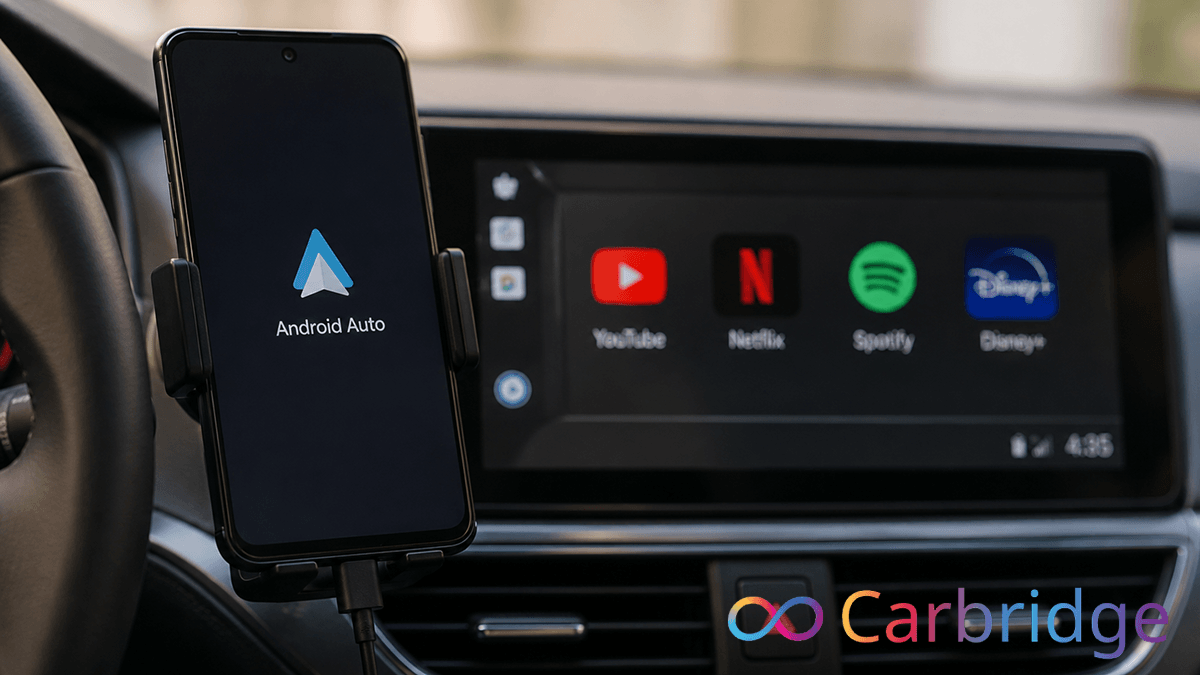
If you searched for CarBridge android, you likely want to unlock your car's display to stream YouTube, Netflix, or other video apps just like iPhone users do. It is important to clarify immediately that CarBridge has no Android version. But you got lots of alternatives for CarBridge Android.
Software solutions
- CarStream
- Screen2Auto
- Fermata Auto
- AAWidget
- AAStream
Hardware Solutions
- Carlinkit AI Box
Does CarBridge Work on Android
The direct answer is no. CarBridge is a specialized iOS tweak designed specifically for iPhones running iOS 13 through 16.7.7. Because the app relies on the deep system modifications possible only through an iOS jailbreak, there is no technical layer that allows it to function on an Android phone.
The following table highlights the fundamental differences between the original tweak and official Android Auto solutions:
| Feature | CarBridge | Android Auto Apps |
|---|---|---|
| Platform | iPhone (iOS 13 to 16.7.7) | Android phone |
| Jailbreak/Root Required | Yes (Jailbreak) | No (Root not required). |
| YouTube in Car | Yes (via bridge) | Via CarStream / AAStore |
| Works with CarPlay | Yes | No |
| Android Version | No | Native |
As shown, the platforms are different. If you are looking for an android carplay alternative, your best path is to use third party application stores or dedicated hardware adapters that bypass the standard restrictions of your vehicle's infotainment system.
The Best CarBridge Alternatives for Android
Since the original app is not an option, you must choose between two primary routes. The first is a software-based approach using AAStore, which requires no hardware modifications. The second is a hardware-based approach using a Carlinkit AI Box, which is a plug and play device. Both methods are currently the most reliable ways to achieve the streaming freedom you are looking for.
AAStore: Run Streaming Apps on Android Auto
AAStore (Android Auto Store) is the official third party marketplace from AutoPal LLC. It is designed specifically to allow the installation of apps that are not available on the Google Play Store due to safety and design restrictions. It supports devices running Android 5.0 and higher and notably does not require root access. This makes it the most accessible CarBridge android alternative for the average user.
In our testing on devices running Android 13 only, we found the installation and activation process to be exceptionally reliable. The account verification screen is easy to navigate, and once you enter your email, the app slots unlock instantly. We recommend AAStore over manual sideloading because it handles app updates automatically and ensures that the versions you install are optimized for your car's display.
Featured Apps in the Catalog:
- CarStream (YouTube Only): This is a free app and is the best pick for users who solely want YouTube. It is highly stable, though it has known issues with the Pixel 6 and Pixel 7 Pro.
- Screen2Auto (Netflix + 100 Apps): If you want more than just YouTube, skip CarStream and go directly to Screen2Auto. It allows you to run over 100 apps, including Netflix and Spotify, on Android 8.0+ devices.
- Fermata Auto:A powerful multimedia player that is particularly useful for Android 13+ users. It supports local video playback and has a built-in web browser for mirroring web content.
- AA Mirror Plus: This is an enhanced version of the original mirroring tool. It allows for full screen mirroring and works on both rooted and non-rooted devices, though root unlocks advanced touch controls.
- AAWidget: This allows you to add custom widgets like clocks and weather directly to your dashboard interface
- AAStream: An open source solution for full screen mirroring on rooted devices.
How to install AAstore (step-by-step)
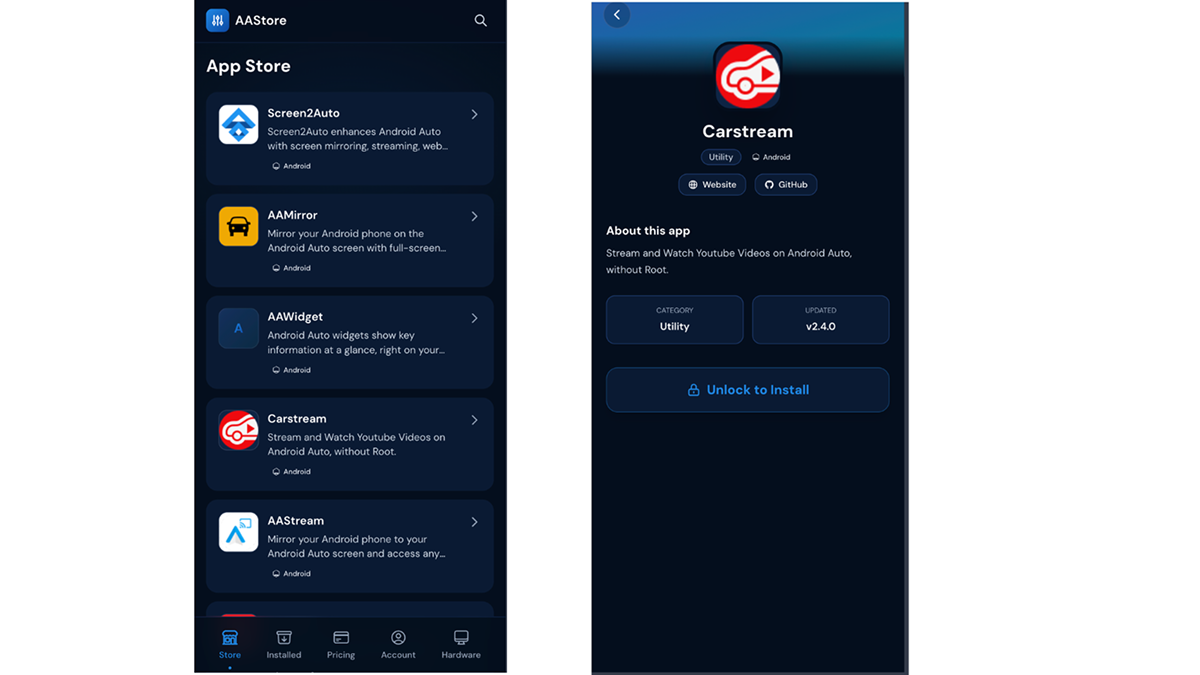
Safety Warning: These best android auto apps are designed for entertainment while you are safely parked. Using youtube android auto or android auto apps no root solutions while the vehicle is in motion is extremely dangerous and illegal. You can download AAStore at app.aastore.app today to begin upgrading your in car experience.
Carlinkit AI Box: Add CarPlay to Your Android Head Unit
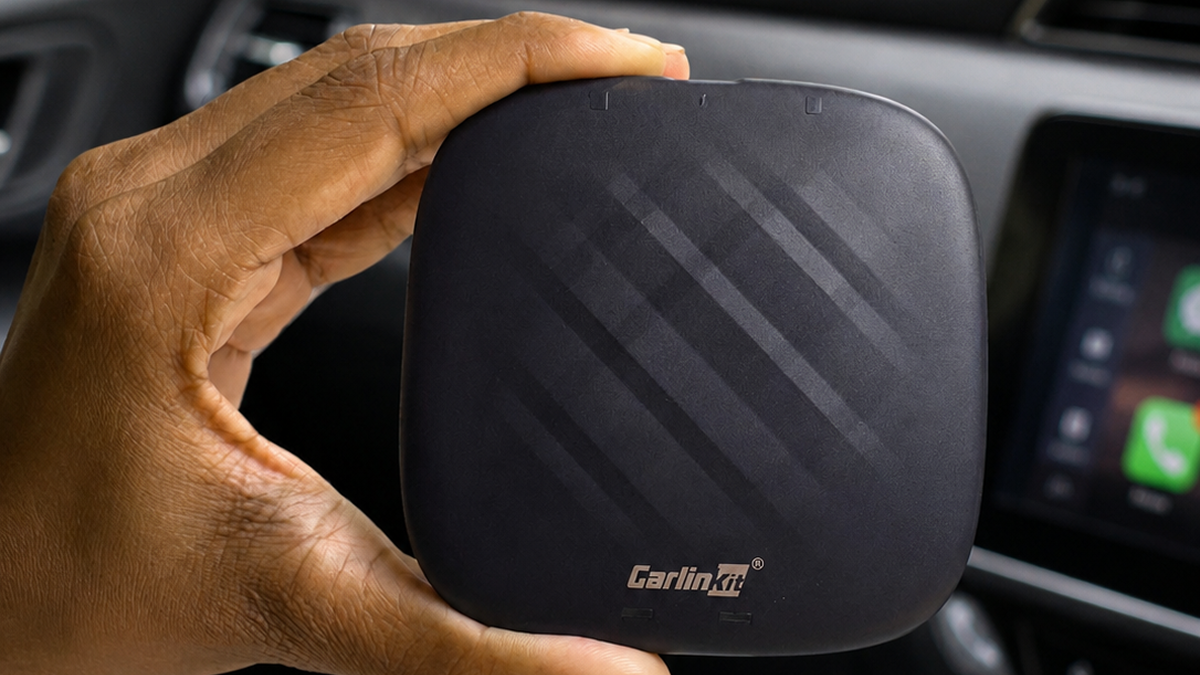
For drivers who prefer not to rely on their phone's software or who want a standalone system, the Carlinkit CPC200 AI Box Plus 2024 is the premier choice. This device is a dedicated hardware adapter that plugs into your vehicle's factory USB port and runs its own built-in Android 13 operating system.
The Carlinkit AI Box effectively transforms your car display into an independent Android tablet. This is particularly useful for those who want a robust android auto carplay setup that supports wireless connectivity and has its own Play Store for downloading streaming apps.
Confirmed Hardware Specifications:
- Model: Carlinkit CPC200 AI Box Plus 2024.
- Operating System: Built-in Android 13.
- Processor: Qualcomm Snapdragon 6125, 8 cores, 2.0GHz.
- RAM/ROM Options: 4GB+64GB and 8GB+128GB.
- Connectivity: Bluetooth 4.2+5.0 and dual band WiFi.
- Streaming Support: Includes a built-in Play Store to download YouTube, Netflix, Hulu, Disney+, and Prime Video.
- Phone Compatibility: Works with iPhones (iOS 10 to 18.5) and Android phones (Android 11 to 15).
Critical Prerequisites:
Before purchasing, you must ensure your vehicle has a factory-wired CarPlay system or a wired Android Auto touchscreen and this AI Box not compatible with BMW or Tesla vehicles.
Which One Do You Need?
The choice between a software marketplace and a hardware adapter depends on your vehicle's setup and your personal preferences. Use the following decision table to determine the best android auto alternatives for your situation:
| Your Situation | Best Solution |
|---|---|
| Android phone, want YouTube on Android Auto | CarStream via AAStore |
| Android phone, want Netflix + 100 apps | Screen2Auto via AAStore |
| Want widest app access, no root required | AAStore Unlimited |
| Factory head unit, want wireless CarPlay | Carlinkit CPC200 AI Box |
| iPhone user looking for CarBridge | CarBridge iOS install guide |
For those who originally wanted the iOS tweak, you can visit the CarBridge Installer at CarBridgeinstall.com to check the latest jailbreak compatibility for your device. For everyone else on Android, these options are the only verified ways to get the same level of functionality found in the original CarBridge for android searches.
Read For More
Frequently Asked Questions About CarBridge for Android
Everything you need to know about getting CarBridge-style features on Android Auto.
No. CarBridge is an iOS-only application that requires a jailbroken iPhone running iOS 13 through 16.7.7. It is designed to work exclusively with Apple CarPlay. There is no version for Android, and there is no integration for Android Auto.
For a software-based solution, AAStore is the best option because it offers apps like CarStream for YouTube and Screen2Auto for Netflix. For a hardware-based solution, the Carlinkit CPC200 AI Box provides a standalone Android system with a built-in Play Store.
No. AAStore works on any Android device running version 5.0 or higher without requiring root access or system modifications. While some specific apps in the store might offer more features if you have root, it is not required for the core experience.
Yes. You can use a hardware adapter like the Carlinkit CPC200 AI Box. It plugs into your car's factory USB port and adds wireless Apple CarPlay functionality. This requires your car to have factory-wired CarPlay or Android Auto and a touchscreen.
Yes. CarStream is a free application that is installed through the AAStore marketplace. It is specifically built for YouTube streaming and does not support Netflix.