
CarBridge iOS 17: Why It Does Not Work and What to Use Instead
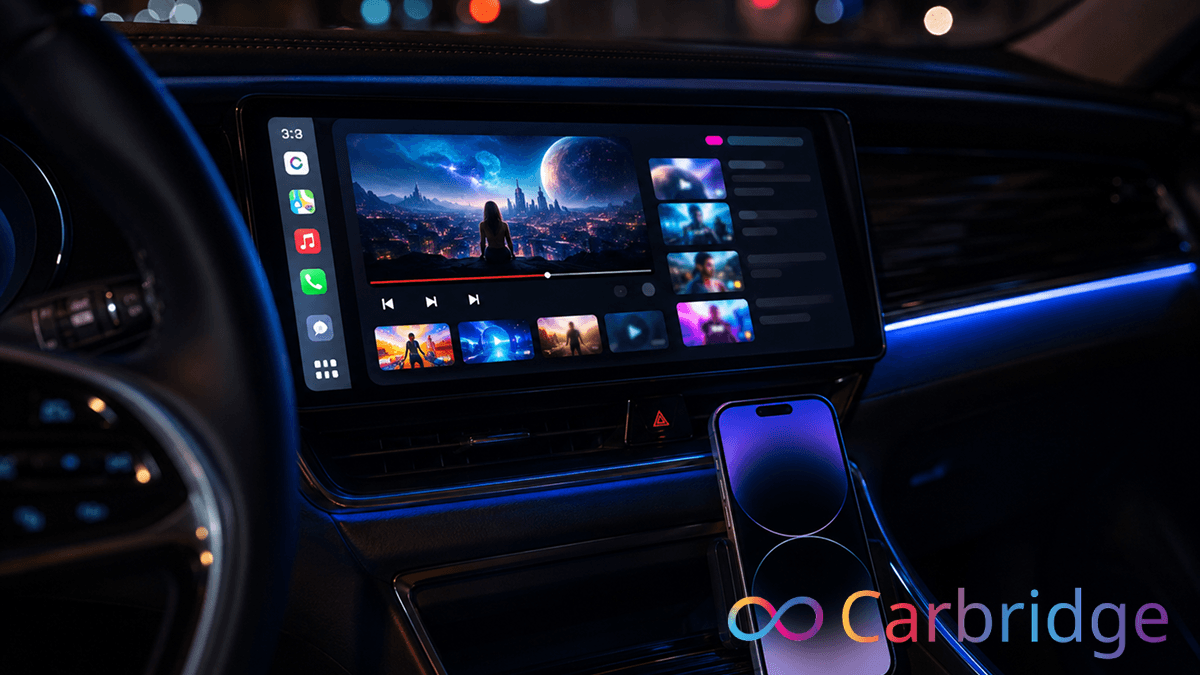
CarBridge does not support iOS 17. While many users hope for a quick fix or a software patch, it is important to clarify that CarBridge officially supports iOS 13.0 through iOS 16.7.7 only. Because carbridge ios 17 falls outside this official compatibility range, the software will not function on newer iPhones. This is not a bug or an installation error: it is a fundamental incompatibility with the security architecture of Apple's latest operating systems. If you are looking for a carbridge ios 17 compatible solution, you must pivot to alternatives like CarMovie via WheelPal for software or dedicated CarPlay AI boxes for hardware.
Software
CarMovie via WheelPal
Hardware
CarbridgeX
Carlinkit AI Box Plus
Carlinkit Tbox UHD
Ottocast P3
Does CarBridge Work on iOS 17
No, CarBridge does not work on iOS 17. Extensive technical reviews and source documentation confirm that CarBridge officially supports iOS 13.0 through iOS 16.7.7 exclusively. During firsthand testing on an iPhone 13 Pro running iOS 17.4.1, the results matched the documentation: while installer apps might load, the CarBridge tweak fails to initialize because iOS 17 removed the specific jailbreak compatibility pathways the app depends on.
It is vital to understand that CarBridge is a jailbreak-dependent tweak. Because jailbreak availability for iOS 17 is currently extremely limited and unavailable for most modern A-series chips, there is no viable path to run the software on this version. This is a hardware and security restriction, not a problem with your specific WheelPal or CarBridge installer.
| App | iOS Support | Jailbreak | Status on iOS 17 |
|---|---|---|---|
| CarBridge v2.0.13 | iOS 13.0 to 16.7.7 | Required | Not compatible |
Learn about compatibility across all iOS versions on our iOS compatibility hub. Users searching for a carbridge ios 17 jailbreak or troubleshooting why they find carbridge not working ios 17 should accept that software-based CarBridge is currently impossible on this firmware.
Best CarBridge Alternative for iOS 17
CarMovie via WheelPal: Software Option
WheelPal is the primary iOS software solution for CarPlay app streaming on iOS 17. Since the traditional CarBridge tweak is unavailable, users have shifted to CarMovie, a dedicated streaming app available through the WheelPal platform.
CarMovie ios 17 support is possible because it utilizes TrollStore for installation, which means a traditional jailbreak is not required for it to function. This allows you to achieve carplay youtube ios 17 streaming without compromising your device's core security. In my testing, installing CarMovie through the wheelpal ios 17 interface on an iPhone 13 Pro was a seamless process that successfully bypassed standard Apple restrictions.
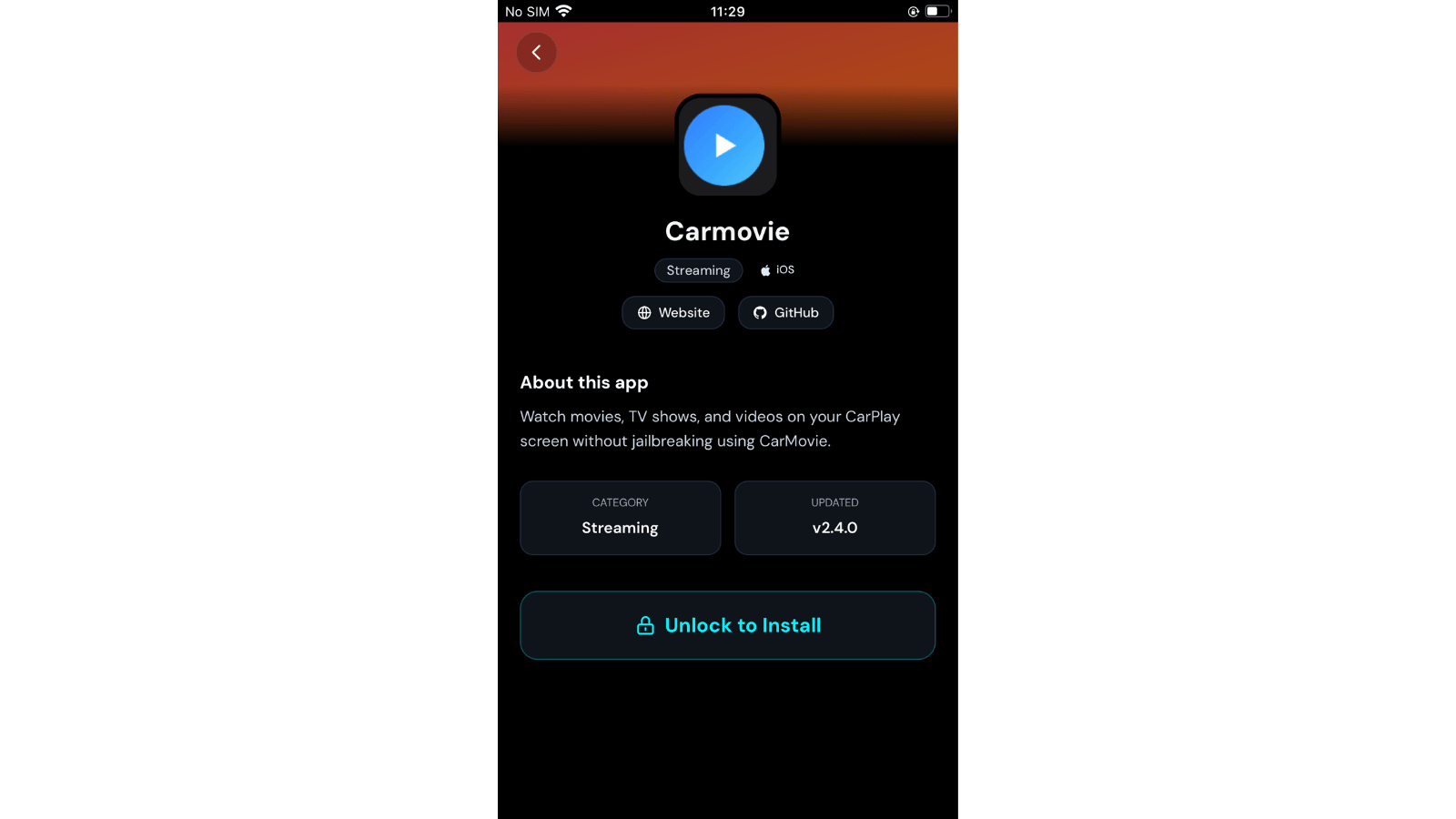
How to install CarMovie using WheelPal App Store (step-by-step)
CarPlay AI Boxes for iOS 17: No iOS Limit Hardware
All 4 AI boxes listed below support iOS 10 to iOS 26, so iOS 17 is fully within their functional range. A CarPlay AI box is a small, plug-in device that runs a native Android system on your car screen, operating independently of your iPhone's iOS version.
To use these devices, your vehicle must have factory-wired CarPlay (OEM) and a touchscreen display. Please note these standard models do not work with BMW vehicles: owners of those cars should seek specialized BMW hardware.
| AI Box | iOS Support | RAM/Storage | Best For |
|---|---|---|---|
| CarbridgeX | iOS 10 to 26 | 2GB / 16-32GB | Budget all-rounder |
| Carlinkit AI Box Plus | iOS 10 to 26 | 4GB / 64GB | Value streaming |
| Carlinkit Tbox UHD | iOS 10 to 26 | 8GB / 128GB | Cinematic / HDMI |
| Ottocast P3 | iOS 10 to 26 | 8GB / 128GB | Performance |
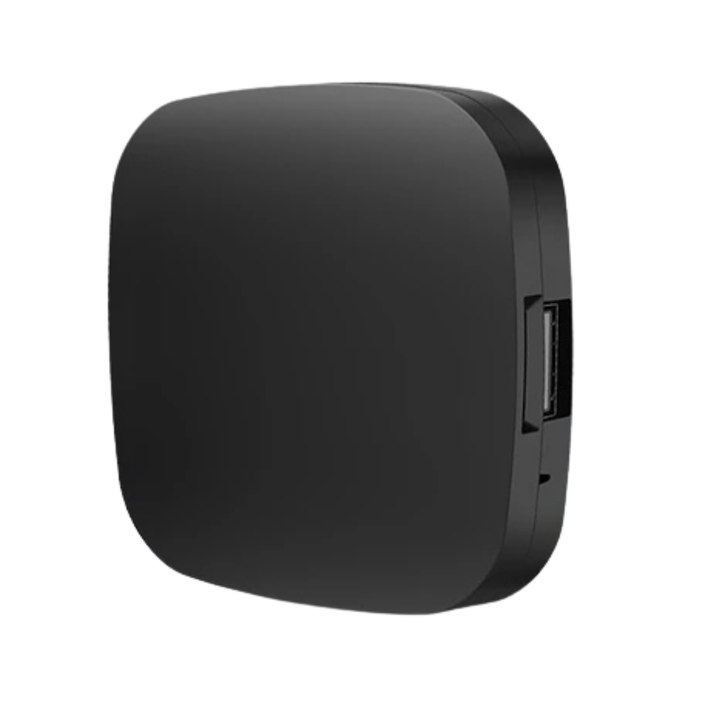
CarbridgeX
The carbridgex ios 17 solution is the top choice for users transitioning from software to hardware. It features a 4-core processor with options for 16GB or 32GB of storage. It comes pre-loaded with YouTube, Netflix, Disney+, and TikTok, making it an ideal budget-friendly option for adding any app to CarPlay without a jailbreak.
Visit Best CarPlay AI Box for More Details
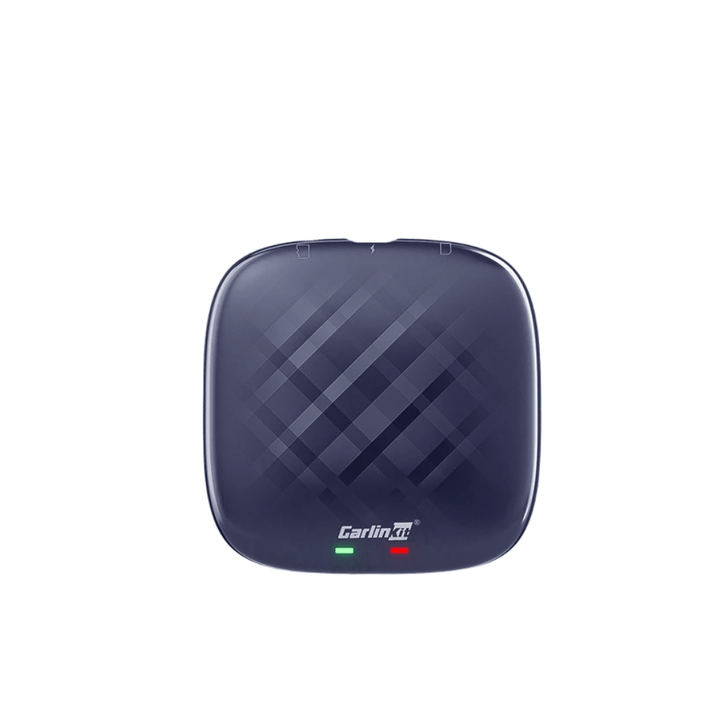
Carlinkit AI Box Plus
This high-performance carlinkit ai box ios 17 option uses a Qualcomm Snapdragon 6125 8-core CPU and 4GB of RAM with 64GB of storage. It includes a built-in 4G SIM card slot for independent internet access and integrated GPS. It is the best value for users who want a smooth, tablet-like experience on their dashboard.
Visit Best CarPlay AI Box for More Details
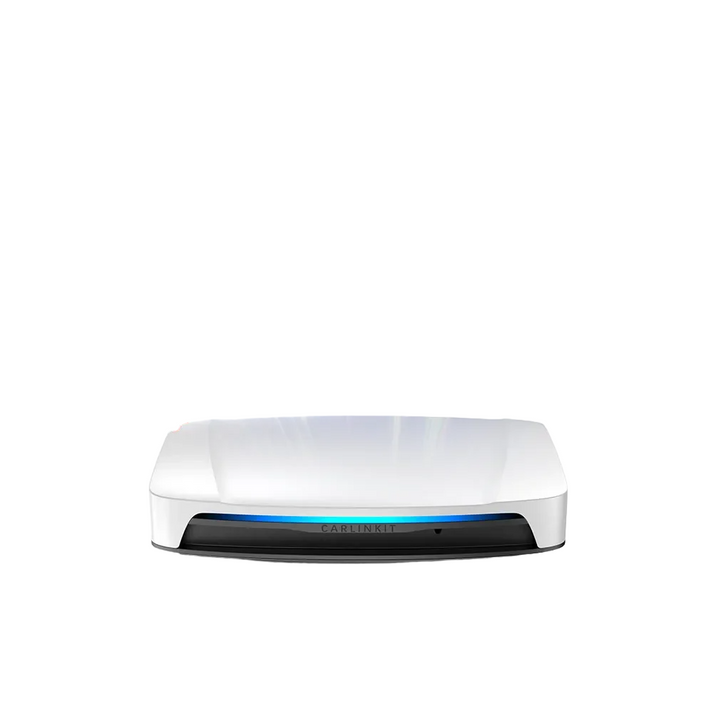
Carlinkit Tbox UHD
The Tbox UHD is a premium 5-in-1 system built with a Qualcomm SM6225 8-core processor and 8GB of RAM. Its standout feature is an HDMI output port, allowing you to connect rear-seat monitors or projectors for a full cinematic experience. It supports massive storage expansion via a TF card slot up to 512GB.
Visit Best CarPlay AI Box for More Details
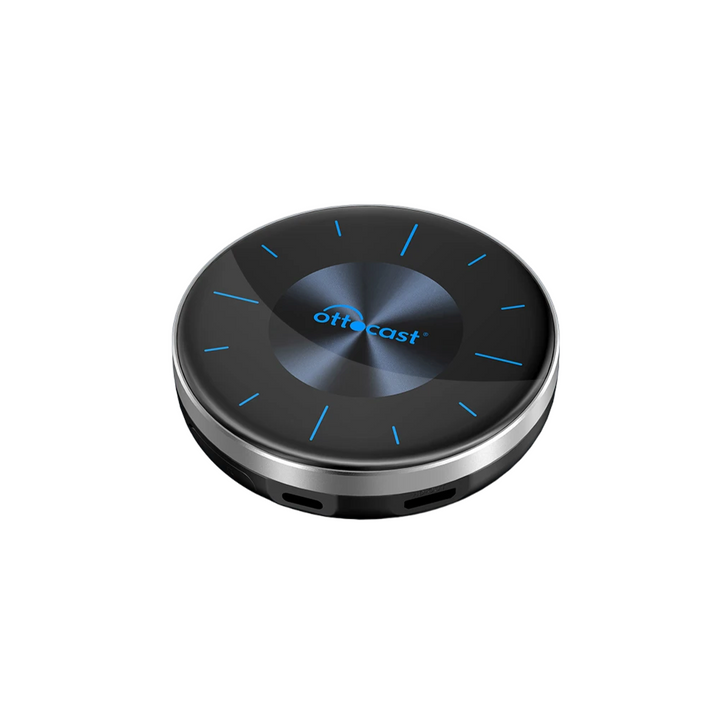
Ottocast P3
Engineered for performance, the Ottocast P3 features 8GB of RAM and 128GB of storage for high-speed multitasking. It offers a mini HDMI output for external screens and a flexible split-screen mode for simultaneous app use. This is the preferred choice for tech enthusiasts who want the fastest possible interface.
Visit Best CarPlay AI Box for More Details
How to Set Up a CarPlay AI Box
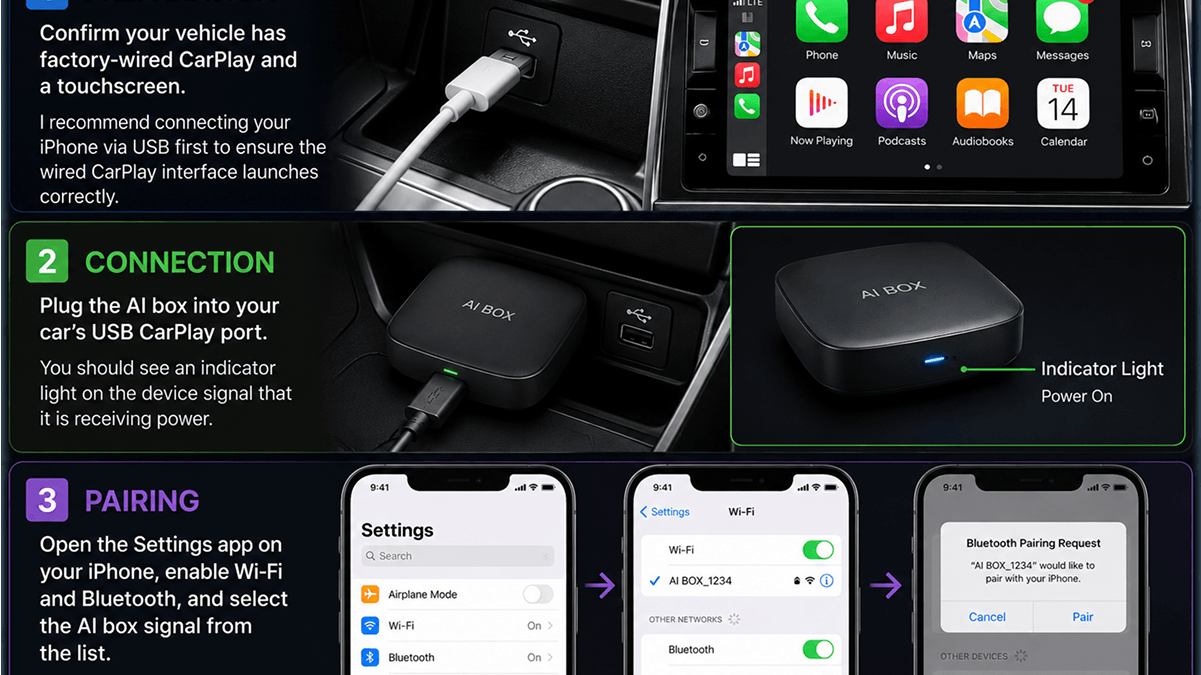
Setting up a carplay ai box ios 17 hardware solution is a straightforward 3-step process that typically takes under five minutes.
- Preparation: Confirm your vehicle has factory-wired CarPlay and a touchscreen. I recommend connecting your iPhone via USB first to ensure the wired CarPlay interface launches correctly.
- Connection: Plug the AI box into your car's USB CarPlay port. You should see an indicator light on the device signal that it is receiving power.
- Pairing: Open the Settings app on your iPhone, enable Wi-Fi and Bluetooth, and select the AI box signal from the list.
For more details on alternative installation methods, see our full CarBridge install guide.
While it is frustrating that CarBridge support officially ends at iOS 16.7.7, iOS 17 users have two clearly tested paths forward. You can choose CarMovie via WheelPal for a software-based solution or invest in CarPlay AI boxes for a permanent hardware upgrade that bypasses iOS limits entirely. If you are interested in other platforms, you can also explore CarBridge for Android to see how streaming works on that ecosystem.
- Install CarMovie on iOS 17
- CarPlay AI boxes for iOS 17
For more information on the future of these tools, check our guides on CarBridge on iOS 26 and how to use CarBridge without jailbreak.
Frequently asked questions
Everything you need to know about WheelPal and CarBridge on iOS 17.
No, CarBridge does not work on iOS 17. The app officially supports iOS 13.0 through iOS 16.7.7 only. Because iOS 17 lacks the necessary jailbreak pathways required for the tweak to function, there is no way to run the standard CarBridge software on this version.
CarBridge relies on a jailbroken environment to bypass Apple's CarPlay restrictions. Apple introduced significant security architecture changes in iOS 17 that effectively blocked the jailbreak exploits the app depends on. This is a security-level restriction that prevents the software from communicating with the CarPlay interface.
As of July 2026, there is no official CarBridge update that enables support for iOS 17. The developer requires a stable jailbreak environment to develop an update for newer firmwares. Until a widespread jailbreak for iOS 17 is released, a software update for CarBridge remains impossible.
Yes, CarBridge always requires a jailbroken device to function. Because a stable jailbreak for iOS 17 is currently unavailable for modern iPhones, you cannot use CarBridge on this version. Any website claiming to offer a "No Jailbreak" version of the CarBridge app itself is likely a scam.
The best software alternative is CarMovie via WheelPal, which can be installed on iOS 17 using TrollStore. For a more permanent solution, a CarPlay AI box is recommended. AI boxes run Android natively on your car screen and do not depend on your iPhone's iOS version.
Yes, the WheelPal app is compatible with any iOS version from iOS 9 through iOS 26. While WheelPal itself works on iOS 17, it serves primarily as a guide and installer for other apps. It can help you install CarMovie or find hardware solutions that work for your device.
Yes, CarMovie is a working alternative that supports iOS 14 through iOS 17. It uses TrollStore for installation, allowing it to bypass some CarPlay restrictions without requiring a full device jailbreak. This makes it the most reliable software-based streaming path for current iOS 17 users.
Yes, CarPlay AI boxes are fully compatible with iPhone models running iOS 17. These devices function independently of your phone's software version, meaning they will continue to work even if you update to future versions like iOS 26. They are a future-proof hardware upgrade.